Can I run Going Medieval?
Going Medieval (2026) is an indie, RPG and simulation game and a demanding game for a PC. For high settings it wants a modern mid-range graphics card (RTX 2060 or RTX 3060 class).

Check your PC
Choose the graphics card, processor and memory closest to yours. Not sure? On Windows press Win + R, type dxdiag and look at "Processor", "Memory" and the Display tab.
Going Medieval system requirements
| Minimum | Recommended | |
|---|---|---|
| OS | Windows 10 (64-bit) | Windows 10 / Windows 11 (64-bit) |
| Processor | Intel Core i5-9400F or AMD Ryzen 5 2600 | Intel Core i5-10600K / i7-10700 or AMD Ryzen 5 3600 XT |
| Memory | 8 GB RAM | 16 GB RAM |
| Graphics | NVIDIA GeForce GTX 1050 Ti (4 GB) or AMD Radeon RX 580 (4 GB) | NVIDIA GeForce GTX 1660 Super / RTX 2060 or AMD Radeon RX 6600 XT |
| Storage | 2 GB available space | 2 GB available space |
Source: the official Going Medieval Steam page, checked October 2026.
Which PC runs Going Medieval?
To play it you need at least a GeForce GTX 1650 class graphics card, an Intel Core i5-8400 class processor and 8 GB of RAM. For the recommended (high) settings: a GeForce RTX 3060 or faster, an Intel Core i7-10700 class processor and 16 GB of RAM.
Graphics card: minimum
- GeForce GTX 1650
- GeForce GTX 1060 6GB
- Radeon RX 580
Graphics card: high settings
- GeForce RTX 3060
- GeForce RTX 4060
- Radeon RX 7600
Processor: minimum
- Intel Core i5-8400
- AMD Ryzen 5 3600
- Intel Core i7-8700
Processor: high settings
- Intel Core i7-10700
- AMD Ryzen 5 7600
- AMD Ryzen 7 5800X
How common PCs do: GTX 1650 + Core i5-8400 + 16 GB: 75%, medium to high settings; RTX 3060 + Ryzen 5 5600 + 16 GB: 96%, high settings; Laptop with integrated graphics + 8 GB: 40%, below the minimum, not playable well.
Parts with the same speed (and newer, faster ones) work too. Laptop versions of a graphics card are usually a little slower.
PC builds for Going Medieval
Parts from our product guides: the lowest of each that reaches the game's minimum and recommended specs. Prices change every day, so Amazon shows today's price.
Minimum build
Plays Going Medieval on low to medium settings
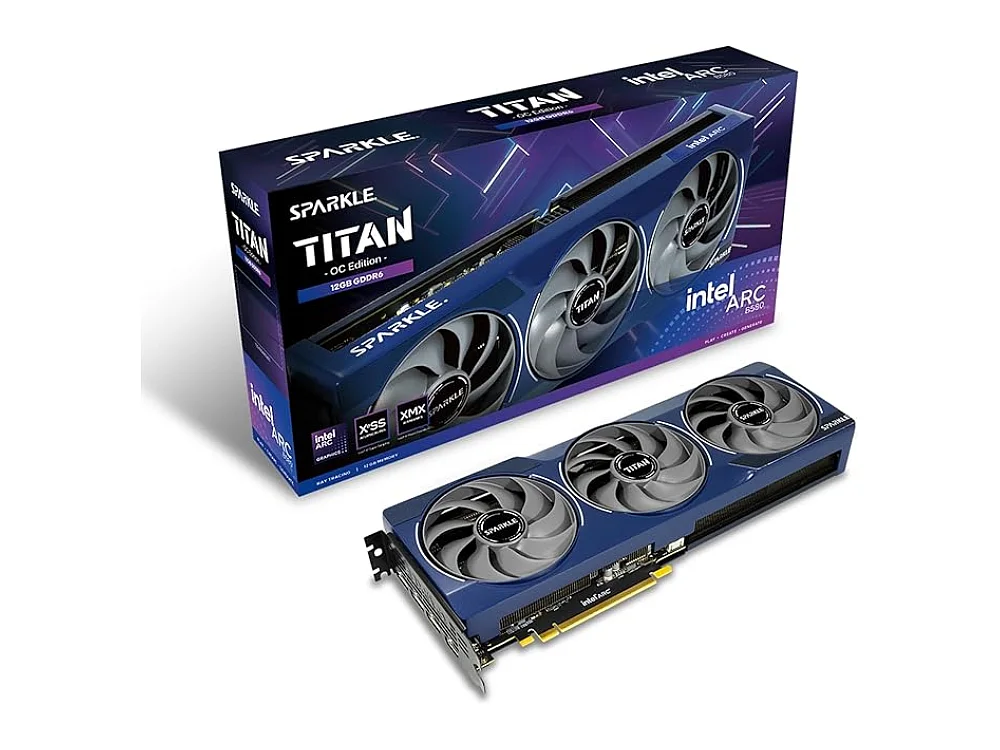 Graphics cardIntel Arc B580Amazon
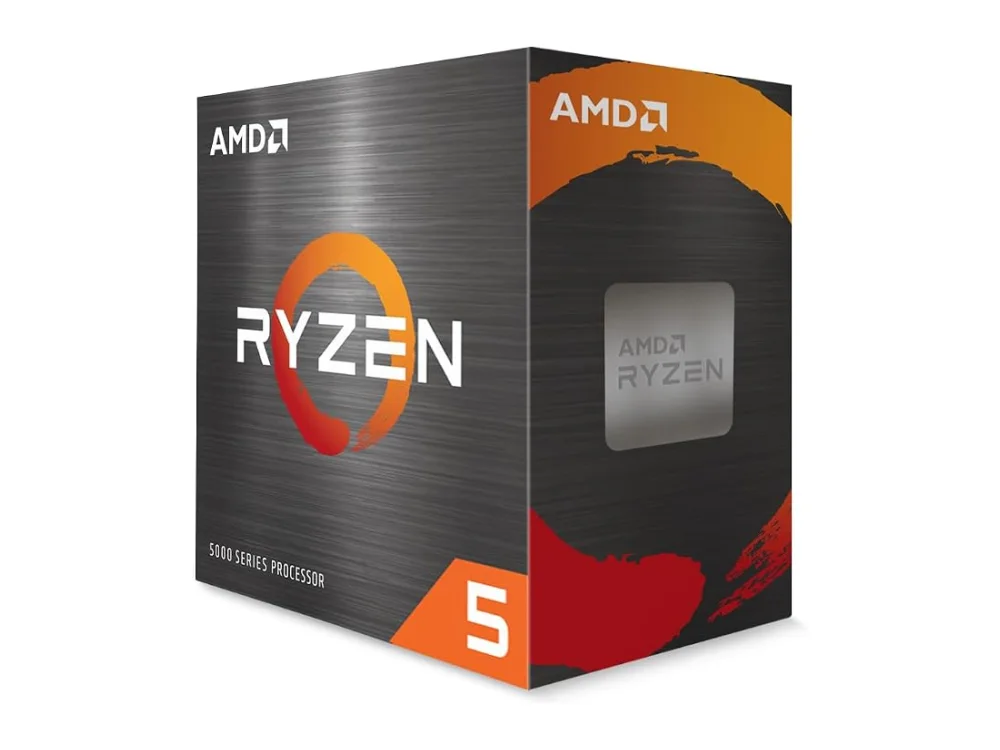 ProcessorAMD Ryzen 5 5500FAmazon
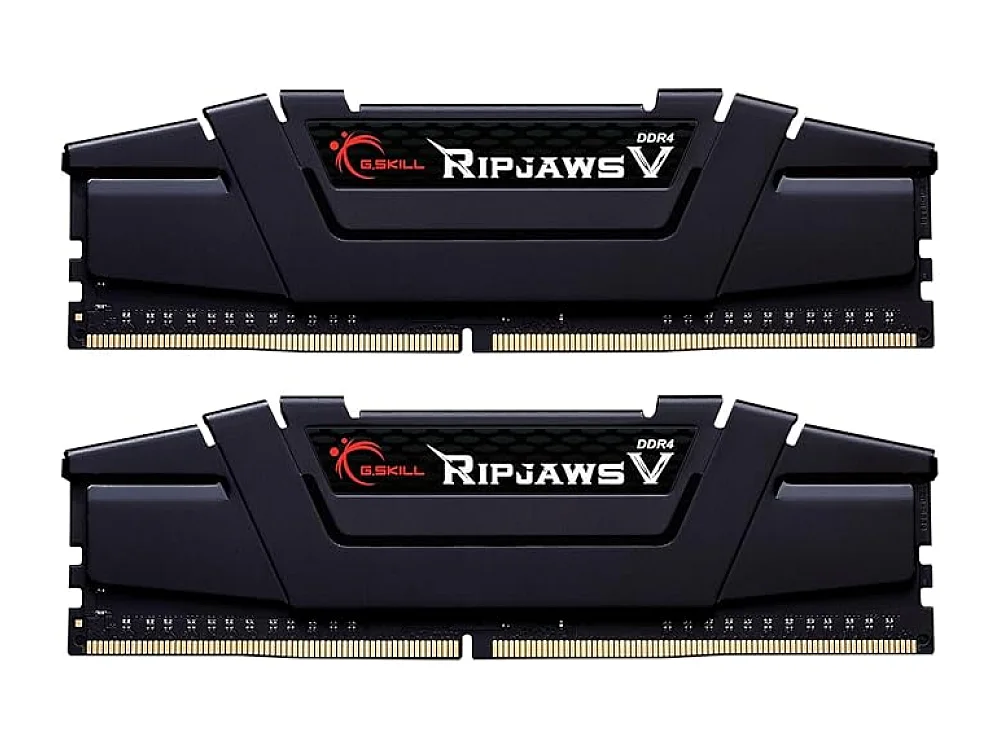 Memory (8 GB+, DDR4)G.Skill Ripjaws V DDR4-3200Amazon
Recommended build
Plays Going Medieval on high settings (the recommended specs)
- Graphics cardIntel Arc B580Amazon
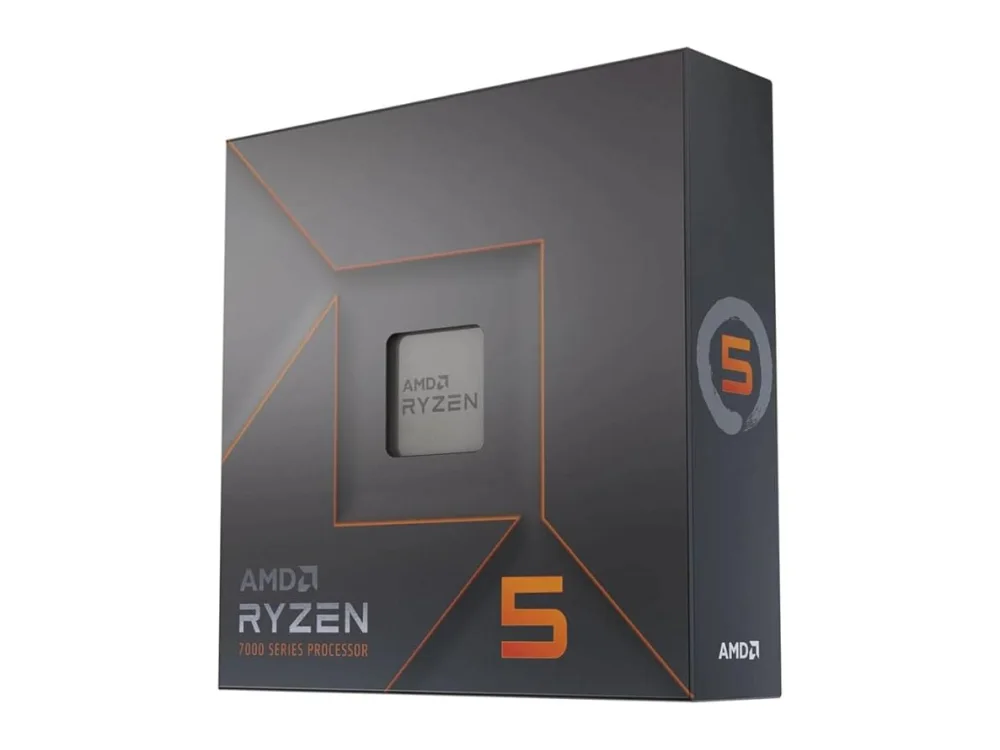 ProcessorAMD Ryzen 5 7600X3DAmazon
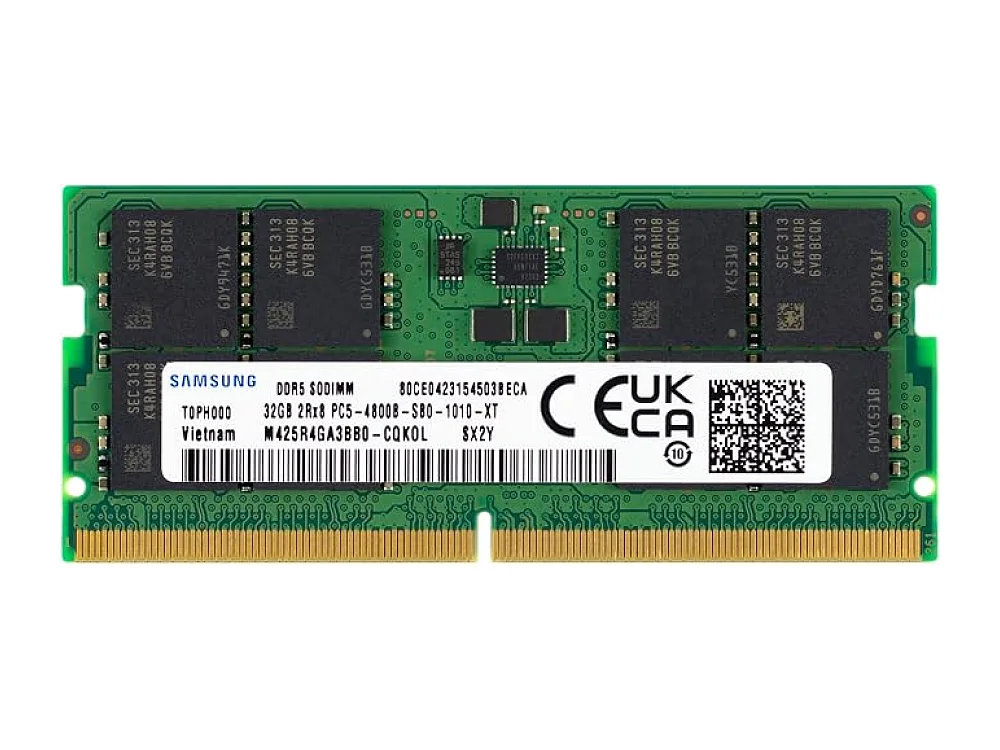 Memory (16 GB+, DDR5)Samsung DDR5-4800 32GBAmazon
Already have some parts? what to upgrade first. As an Amazon Associate we earn from qualifying purchases.
Going Medieval: questions
What are the minimum system requirements for Going Medieval?
What are the recommended requirements for Going Medieval?
What graphics card do I need for Going Medieval?
Can a GTX 1650 run Going Medieval?
Can Going Medieval run without a graphics card (integrated graphics)?
Is 8 GB of RAM enough for Going Medieval?
How much storage does Going Medieval need?
Similar games: can you run them?
More for PC players
Ask ROC, our gaming assistant (the chat button), "can my PC run Going Medieval?" and tell it your parts, or upload your dxdiag file.