Razer BlackShark V3 Pro vs SteelSeries Arctis Nova 7 Wireless Gen 2
Razer BlackShark V3 Pro gives a low-latency 2.4 GHz wireless link and active noise cancellation, making it suited for competitive PC play. SteelSeries Arctis Nova 7 Gen 2 adds Bluetooth and a 50-plus-hour battery but lacks ANC, fitting users who want long-duration wireless or console use. Choose based on whether low latency or long battery is priority.
 VS
VS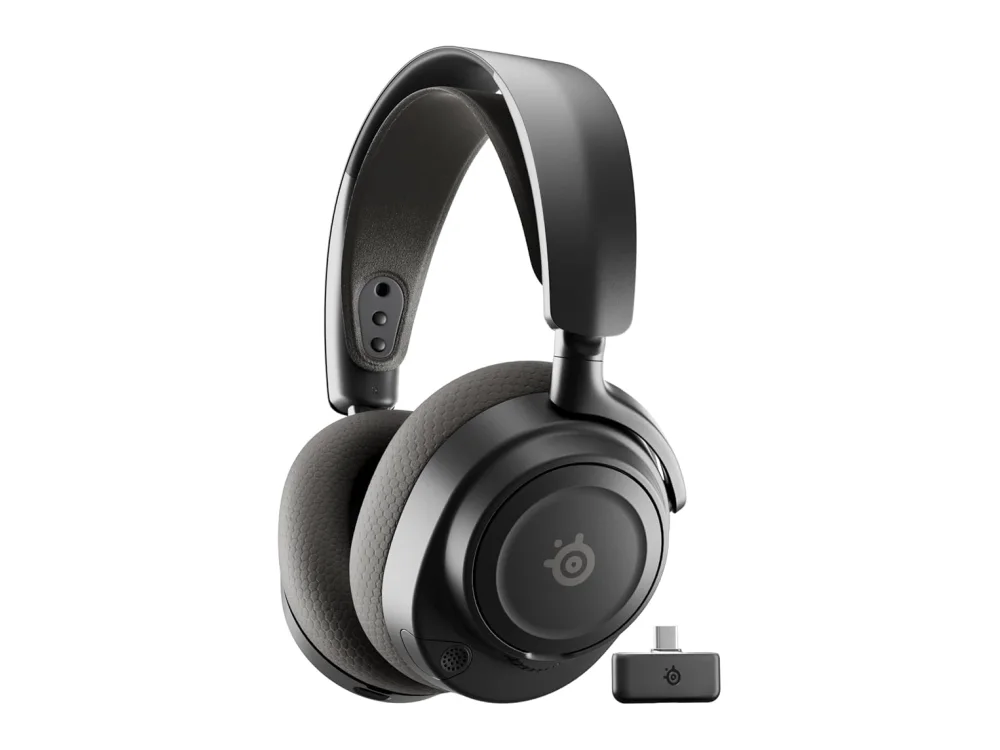
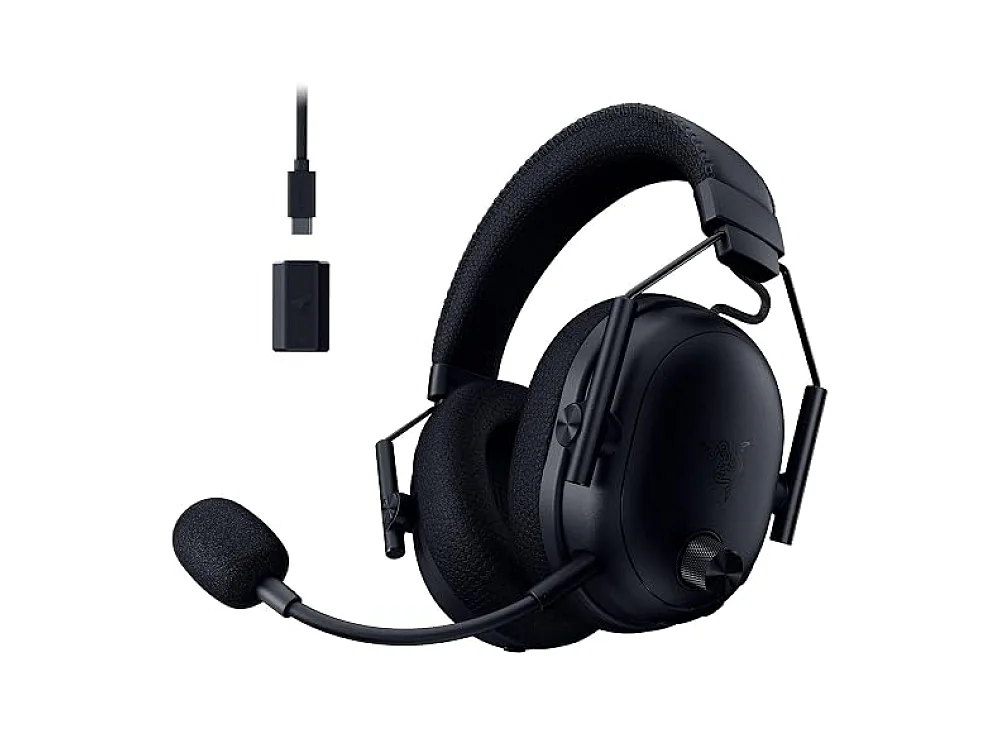
Razer BlackShark V3 Pro
Best PC Gaming HeadsetRazer BlackShark V3 Pro is suitable for players who need low-latency audio and active noise cancellation on PC, especially in competitive shooters.
SteelSeries Arctis Nova 7 Wireless Gen 2
Best Overall ValueSteelSeries Arctis Nova 7 Gen 2 is suitable for users who want long-duration wireless play, console compatibility, or Bluetooth use, and do not need ANC.
The differences that matter
- Razer BlackShark V3 Pro uses a low-latency 2.4 GHz wireless link; SteelSeries Arctis Nova 7 Gen 2 offers dual 2.4 GHz and Bluetooth connectivity.
- BlackShark V3 Pro has active noise cancellation; Arctis Nova 7 Gen 2 does not.
- BlackShark V3 Pro has a cardioid boom mic that cannot detach; Arctis Nova 7 Gen 2 has a clear microphone but no detachable boom.
- BlackShark V3 Pro has breathable leather-like ear cushions; Arctis Nova 7 Gen 2 uses plush ear cushions on an on-ear design.
- BlackShark V3 Pro battery life is decent for marathon sessions; Arctis Nova 7 Gen 2 offers over 50 hours of battery life.
- BlackShark V3 Pro is designed for PC with a dedicated 2.4 GHz dongle; Arctis Nova 7 Gen 2 works with PC or console via the dongle and also supports Bluetooth for mobile or music.
Specs side by side
| Razer BlackShark V3 Pro | SteelSeries Arctis Nova 7 Wireless Gen 2 | |
|---|---|---|
| Brand | Razer | SteelSeries |
| Best For | Best PC Gaming Headset | Best Overall Value |
| Key Specs | Wireless · high-end mic · low-latency · ANC | 2.4GHz + Bluetooth · 50+ hour battery · 40mm drivers |
Pros and cons
Razer BlackShark V3 Pro
- Low-latency 2.4 GHz wireless link
- Active noise cancellation
- High-quality cardioid boom mic
- Comfortable breathable ear cushions
- Decent battery life for marathon sessions
- No Bluetooth or console-specific wireless support
- Plastic shell may feel less premium over time
- Mic boom cannot be detached
SteelSeries Arctis Nova 7 Wireless Gen 2
- Dual wireless (2.4 GHz & Bluetooth)
- 50+ hour battery life
- Clear 40 mm drivers
- Comfortable on-ear design
- Clear microphone
- No active noise cancellation
- No built-in surround sound
- On-ear style may not suit all head sizes
Razer BlackShark V3 Pro vs SteelSeries Arctis Nova 7 Wireless Gen 2: questions
Which headset has lower latency?
Razer BlackShark V3 Pro uses a dedicated 2.4 GHz link that is designed for low latency; SteelSeries Arctis Nova 7 Gen 2 also uses 2.4 GHz but may not be optimized for competitive low-latency gaming, so check the listing for latency claims.
What is the main difference between the two?
The main difference is that BlackShark V3 Pro focuses on low-latency PC play with ANC and a cardioid boom mic, while Arctis Nova 7 Gen 2 offers dual wireless, a very long battery, and Bluetooth but lacks ANC.
Is the upgrade worth it if I already have a wired headset?
If you value long battery life or console compatibility, the Arctis Nova 7 Gen 2 may be worth it; if you need competitive low latency and ANC, the BlackShark V3 Pro is more suitable. Compare your priorities before deciding.
More on Run On Console
We compare what each product's own specs and listing say; we do not show prices because they change every day. We may earn a commission from qualifying purchases.