Mobile Gaming
120FPS competitive mobile esports on iOS & Android paired with console-grade magnetic snap-on controller grips.
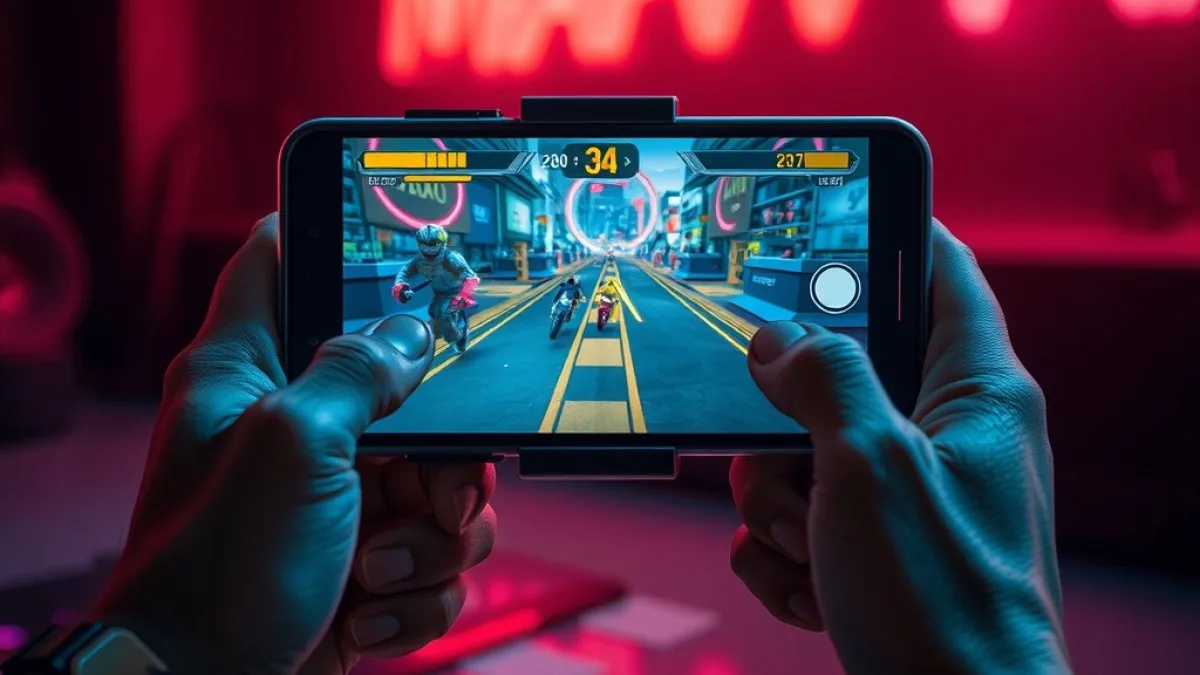
About Mobile Gaming
Mobile gaming began with simple touch titles on early phones, but the rise of powerful iOS and Android processors has turned phones and tablets into capable gaming devices. Modern models such as the iPhone 15 Pro, iPhone 16 Pro Max, and Snapdragon 8 Gen 3 phones deliver the performance needed for 120 FPS competitive titles. Players stay on mobile because the hardware fits in a pocket, the screens often run at 120 Hz, and magnetic snap-on controllers like the Backbone One or Razer Kishi Ultra give a console-grade grip without sacrificing portability. The ecosystem also supports cross-platform play, so you can compete with PC or console users from the same device.
How to choose a Mobile Gaming device
Choosing a mobile gaming device starts with the display and processor. A 120 Hz OLED panel, like on the iPad Pro M4 or iPhone 15 Pro, reduces motion blur for fast shooters. The Snapdragon 8 Gen 3 chipset and Apple’s M2/M4 chips provide the raw power for high-frame-rate titles. Check whether the device supports the controller you prefer—Lightning for Backbone One or USB-C for Razer Kishi Ultra—and consider battery life for long sessions.
Gear that matters
- Gaming Headsets & Audio – low-latency Bluetooth headset for precise sound cues
- Gaming Handhelds – magnetic snap-on controller such as Backbone One (Lightning) or Razer Kishi Ultra (USB-C)
- Gaming Handhelds – iPad Pro M4 with 120 Hz OLED screen provides a large, high-refresh display for competitive play
- Gaming Handhelds – Android phone with Snapdragon 8 Gen 3 combines a fast CPU with a 120 Hz panel for native mobile esports
Tips for players
- Close background apps and enable any performance mode before gaming to keep frame rates stable.
- Use a magnetic snap-on controller for better ergonomics and more precise inputs than touch controls.
- Set the display to its highest refresh rate (120 Hz) and turn on any built-in game mode to reduce input lag.
Gear for Mobile Gaming
All Mobile Gaming Models & Devices
iPhone 15 Pro / 16 Pro Max
2024Apple A17 Pro / A18 Pro 3nm // Hardware Ray Tracing // Native AAA Ports // 120Hz ProMotion OLED
Android Gaming Phone (Snapdragon 8 Gen 3)
2024Snapdragon 8 Gen 3 // Adreno 750 // 165Hz AMOLED // Active Fan Cooling (RedMagic / ROG Phone 8)
iPad Pro (M2 / M4 120Hz Tandem OLED)
2024Apple M4 10-Core GPU // Tandem OLED 1000 Nits // Hardware Mesh Shading & Ray Tracing
Backbone One (USB-C & Lightning)
2023Zero-Latency Direct Connection // 3.5mm Headphone Jack // Pass-through Charging // Capture Button
Razer Kishi Ultra / Kishi V2
2024Fits Phones & iPad Mini 8" // Razer Sensa HD Haptics // Microswitch D-Pad // 3.5mm Audio
Other gaming platforms
- PC / Handheld PC
- Sony PlayStation
- Microsoft Xbox
- Nintendo Home Consoles
- Sony Handhelds
- Nintendo Handhelds
- Sega Consoles (Retro)
- Other Retro Consoles
- Cloud Gaming Platforms
- VR / AR Spatial Systems
- China / Retro-Handheld Brands
- Arcade & Custom Pinball
- Smart TV & Streaming Devices
- Misc & Niche Gaming Systems
Playing on PC? Check if your PC can run a game or see our gaming gear picks.
FAQs About Mobile Gaming
Common questions about hardware, games and buying for Mobile Gaming.
Q1What gaming platforms and eras are covered on Run On Console?
Our platform directory covers 15 comprehensive gaming categories and over 100+ iconic hardware devices: from 8-bit NES and Atari 2600 to modern PC Battlestations, PS5 Pro, Xbox Series X, OLED Handhelds, VR/AR, and China Emulation engines (Anbernic/Retroid/Miyoo/Odin).
Q2Can I search for specific devices like Miyoo Mini or PS Vita?
Yes! Use our interactive Device Search & Filter Engine to instantly filter by device name, era, generation, and form-factor.
Q3What are Hall-Effect magnetic controllers?
Hall-Effect controllers use contactless magnets rather than physical friction wipers to track analog stick and trigger inputs, making them highly resistant to stick drift.