Best Gaming Monitors
OLED and QD-OLED gaming monitors, ultrawides and budget high-refresh displays.
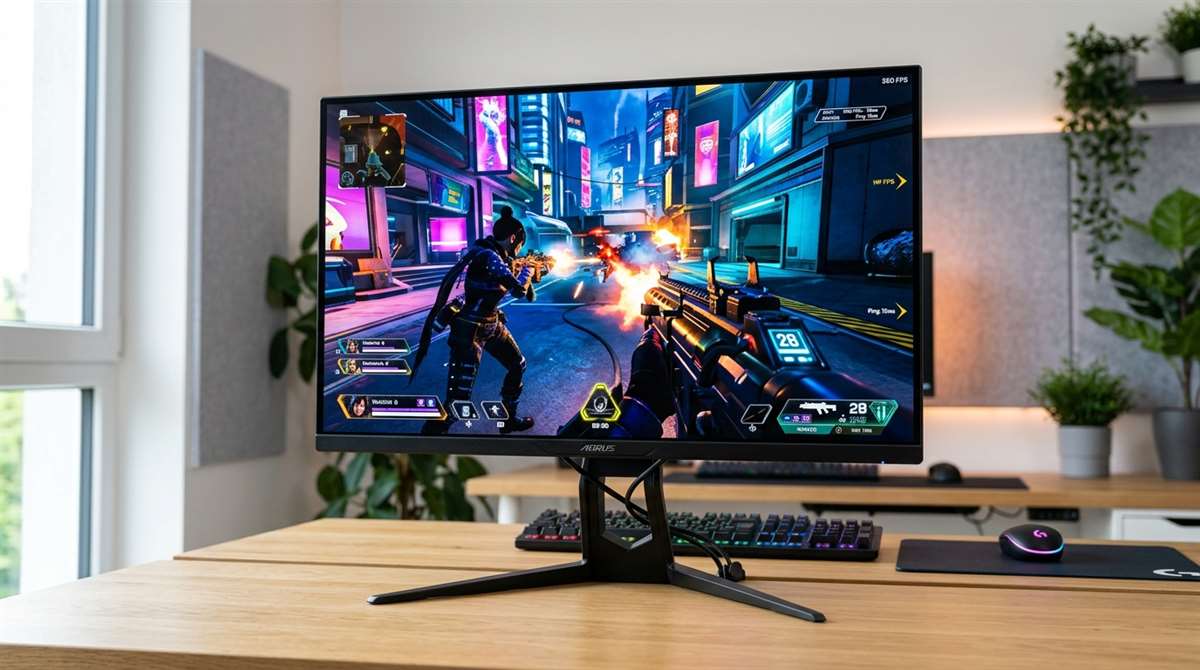
Our top gaming monitors picks for 2026
A great gaming monitor balances refresh rate, resolution, and panel technology to match your playstyle. This list highlights top options based on their published specs, covering premium OLED displays for immersive single-player titles and high-refresh screens for competitive shooters. We focus on key performance metrics and real-world trade-offs to help you find the right fit.
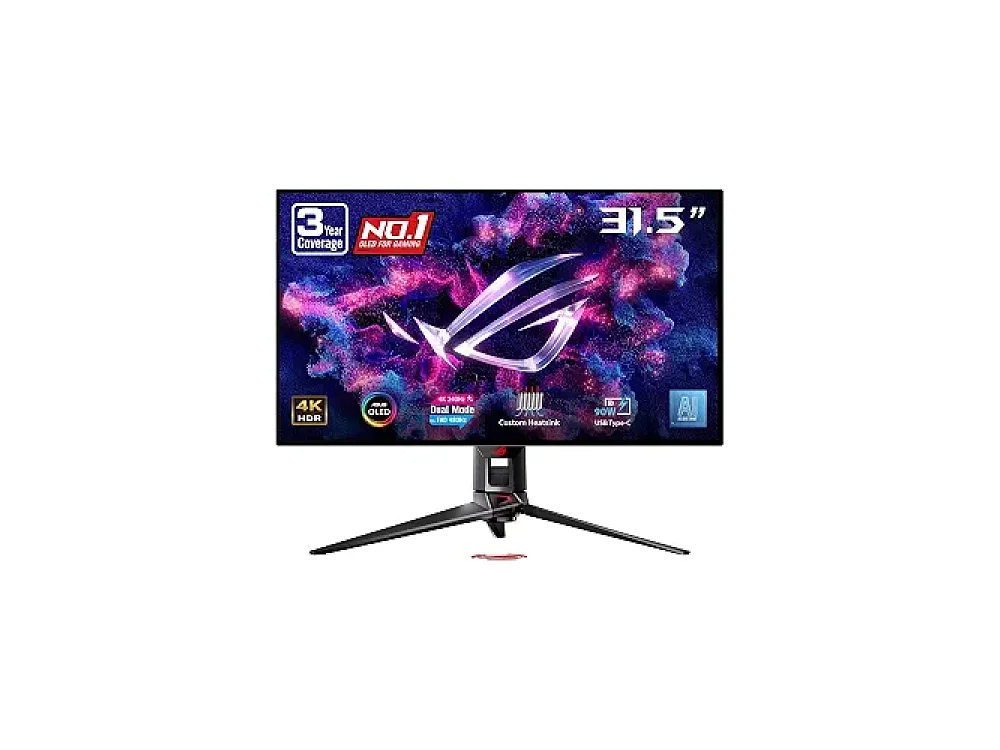
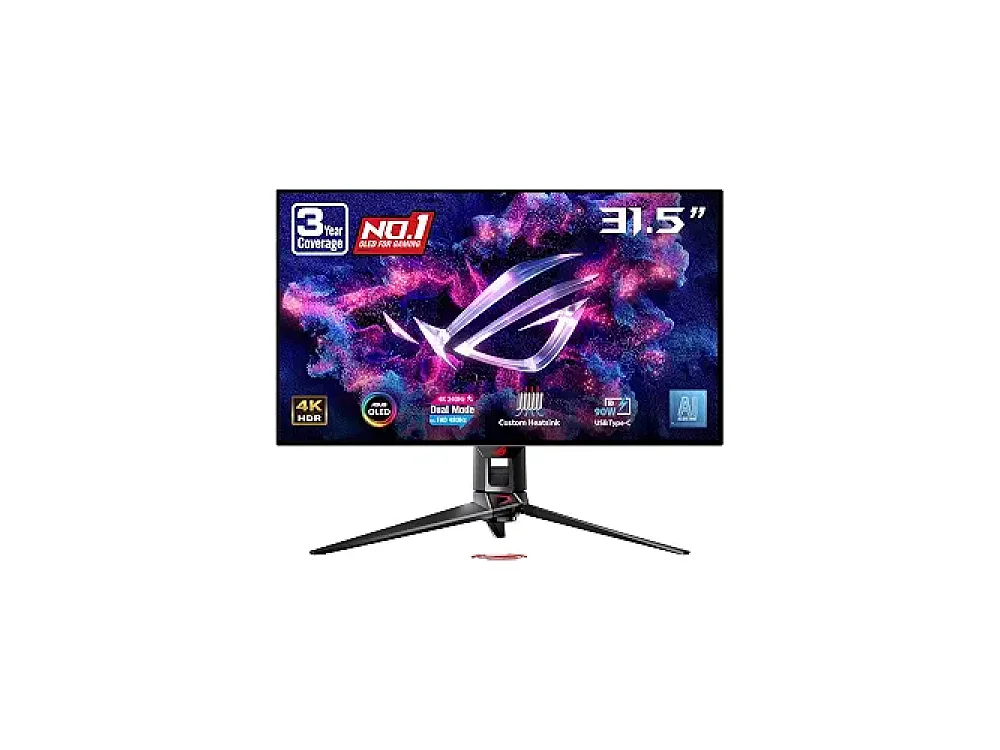
ASUS ROG Swift OLED PG32UCDM Gen3
This 32-inch QD-OLED panel combines 4K resolution with a 240Hz refresh rate, offering deep blacks and smooth motion. It is ideal for gamers who want the best visual fidelity without sacrificing competitive responsiveness.
Check price on Amazon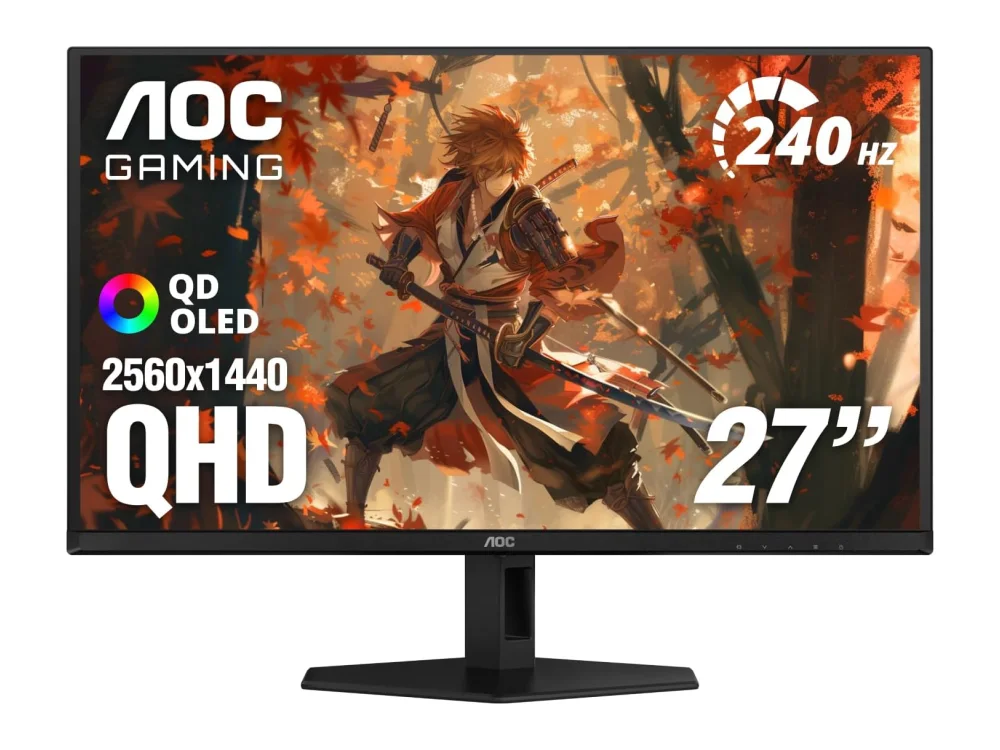
AOC Gaming Q27GAZD
Offering a 27-inch 1440p QD-OLED display at a lower price point, it delivers superior contrast and color volume. It is a strong choice for players who want OLED quality without paying for higher resolutions or extreme refresh rates.
Check price on Amazon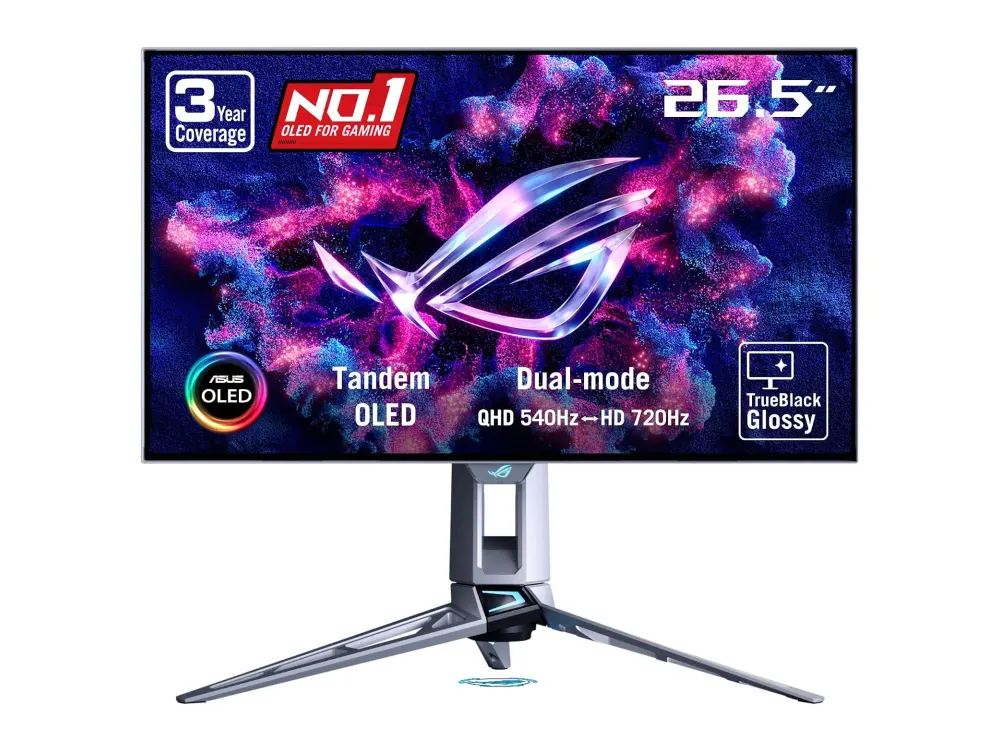
ASUS ROG Swift OLED PG27AQWP-W
With a 540Hz refresh rate, this 27-inch OLED monitor minimizes motion blur for fast-paced esports titles. It is designed for players who prioritize the fastest possible response times over high resolution.
Check price on Amazon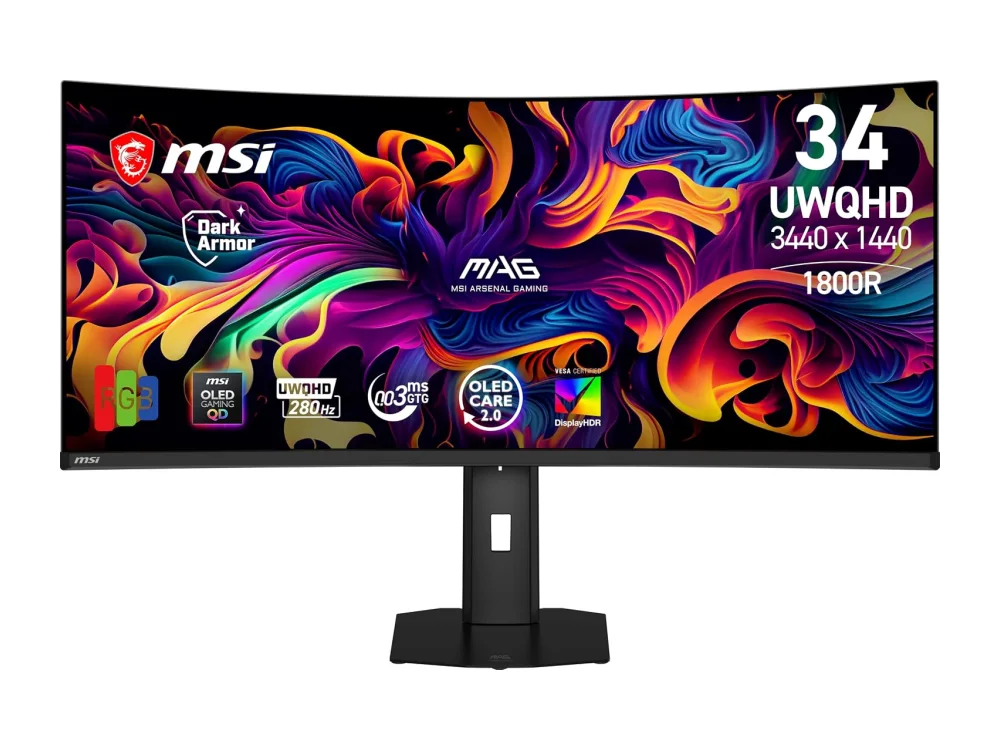
MSI MPG 341CQR QD-OLED X36
This 34-inch 21:9 display offers a 360Hz refresh rate and QD-OLED color accuracy. The expansive field of view enhances immersion in open-world games while maintaining high-speed performance for shooters.
Check price on AmazonPicked from each product's own specs and listing; we do not show fixed prices because they change every day.
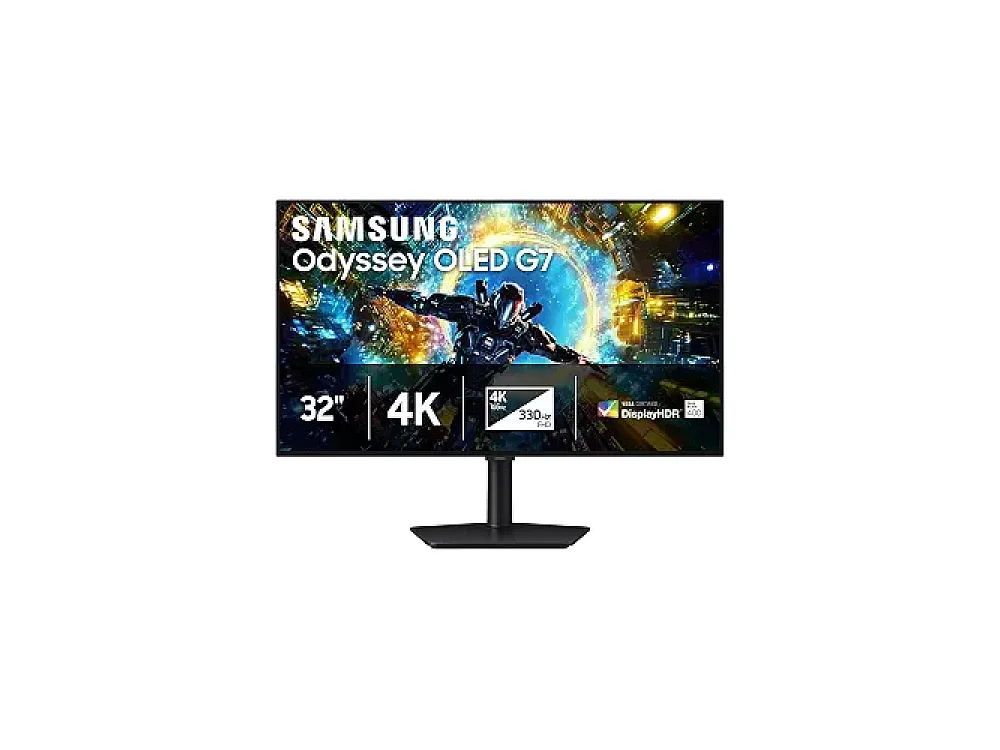
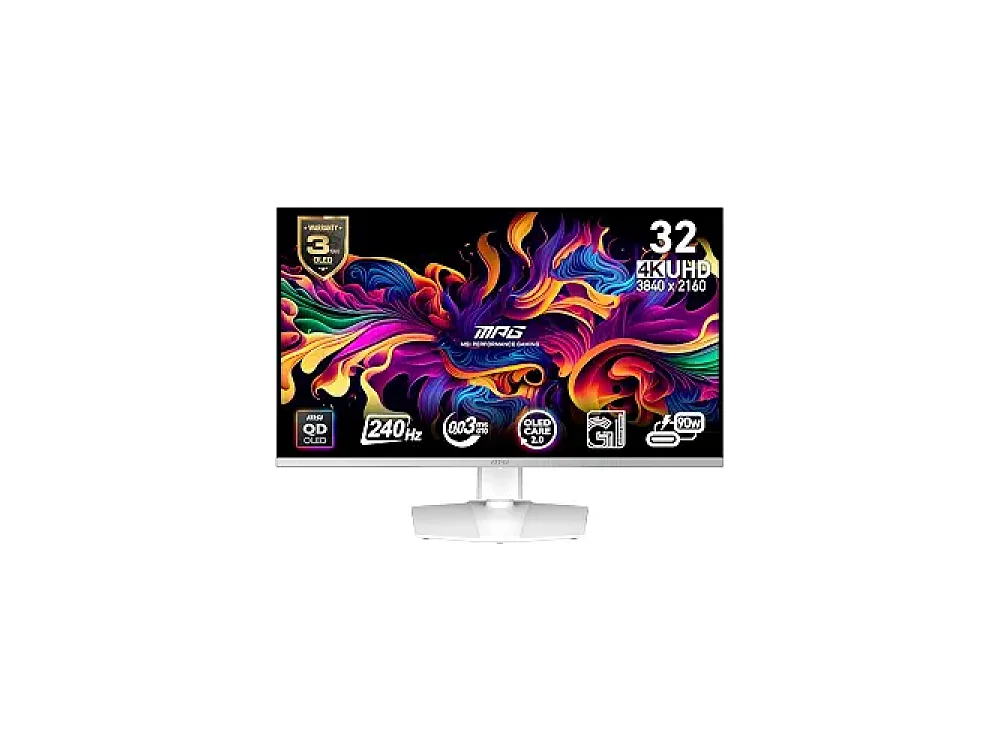
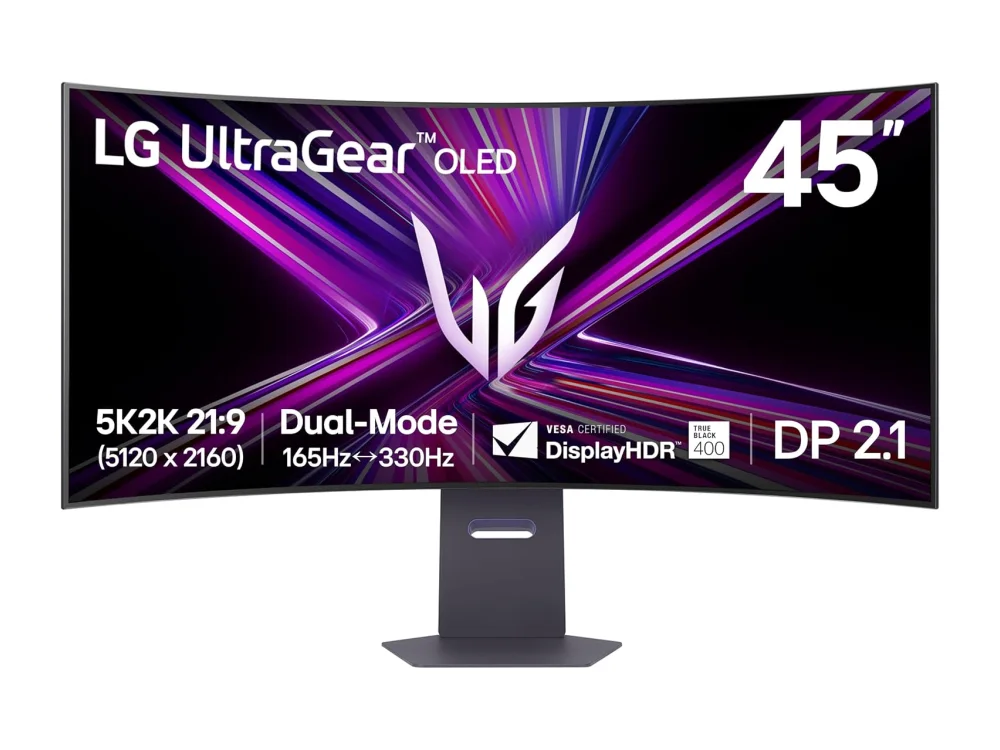
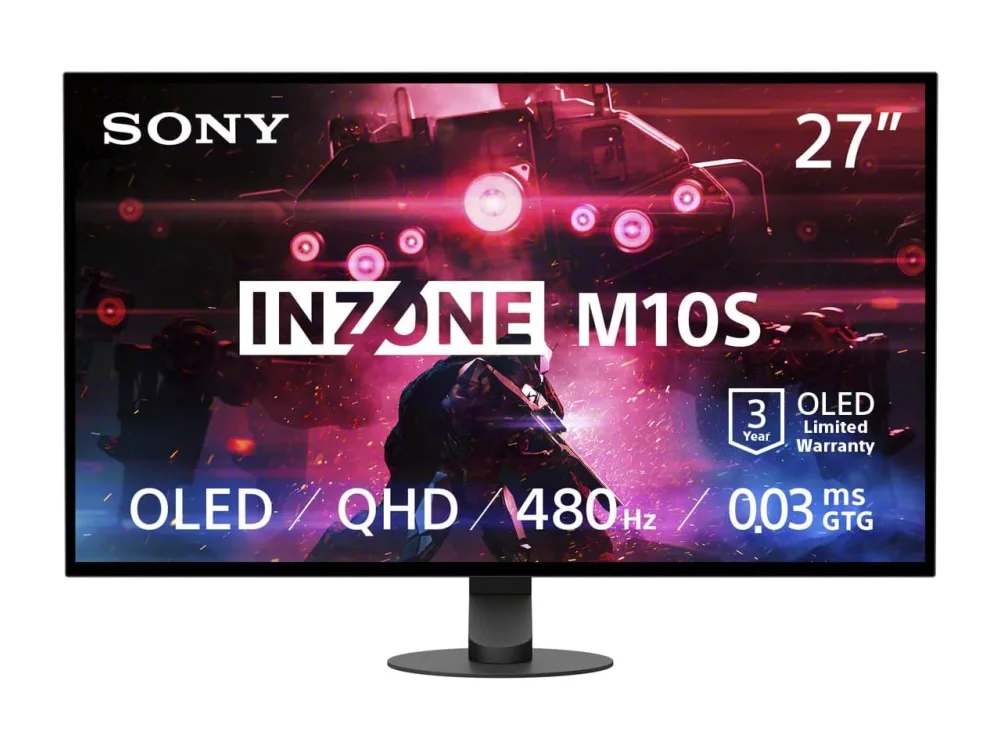
All Gaming Monitors
How to choose gaming monitors
- Decide on panel technology: OLED offers better contrast and faster response times than LCD, but check for burn-in risks if you use static UI elements like health bars.
- Match resolution to GPU power: 4K monitors require significantly more graphics card performance than 1440p or 1080p displays to maintain high frame rates.
- Prioritize refresh rate for your genre: Competitive shooters benefit from 240Hz or higher, while single-player titles often look best at 4K resolution, even at lower refresh rates.
- Consider screen size and aspect ratio: Ultrawide monitors provide more peripheral vision but require a larger desk space and may not support all games natively.
- Check input lag and response time specs: Lower input lag and faster pixel response times are crucial for competitive play to ensure your actions are displayed immediately.
Gaming Monitors: questions buyers ask
Is OLED better than LCD for gaming?
OLED panels offer deeper blacks, higher contrast, and faster pixel response times, which reduce motion blur. However, they are more susceptible to image retention if static elements remain on screen for long periods.
Do I need 4K resolution for gaming?
4K provides the sharpest image quality and is ideal for immersive single-player titles. However, it requires a powerful GPU to run at high frame rates, so many competitive gamers prefer 1440p for better performance.
What refresh rate is enough for competitive gaming?
A 144Hz refresh rate is the minimum standard for competitive play, but 240Hz or higher offers noticeably smoother motion. Higher refresh rates are most beneficial for fast-paced first-person shooters.