Best Speakers & Soundbars
Desktop PC speakers, 2.1 and 5.1 systems, studio monitors and gaming soundbars.
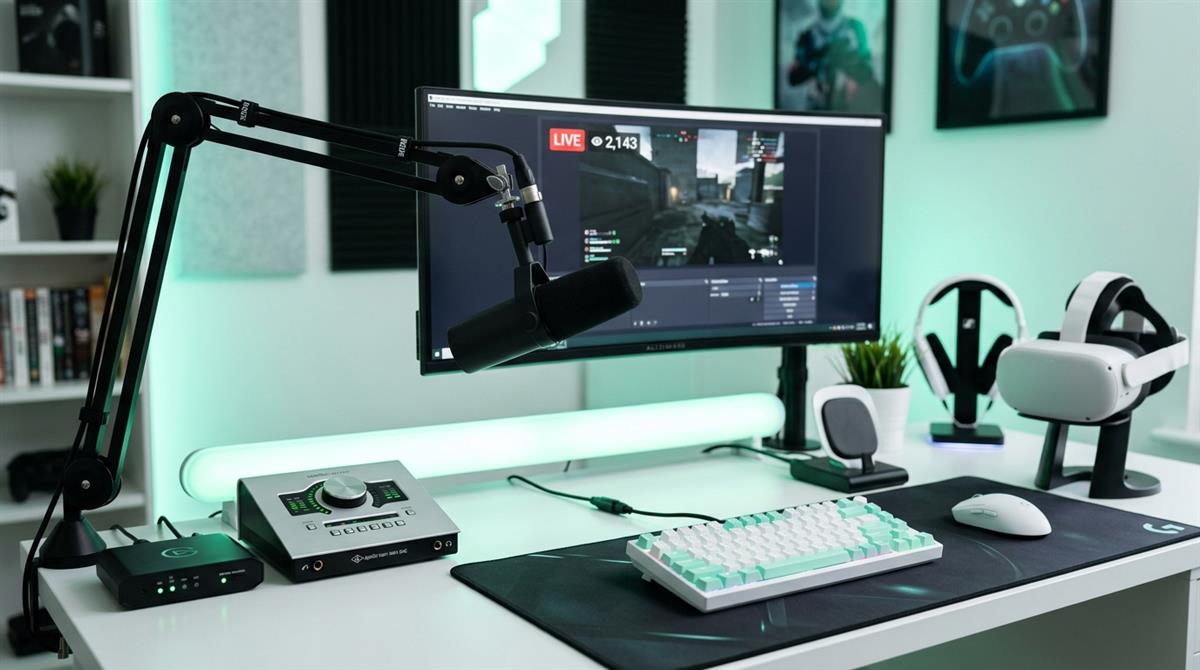
Our top speakers & soundbars picks for 2026
Choosing the right audio setup depends on your desk size and whether you need deep bass for explosions or clear mids for footsteps. This list highlights top performers based on their connectivity options, channel configurations, and driver specifications. We focus on practical benefits like cable management and room-filling sound rather than marketing buzzwords.
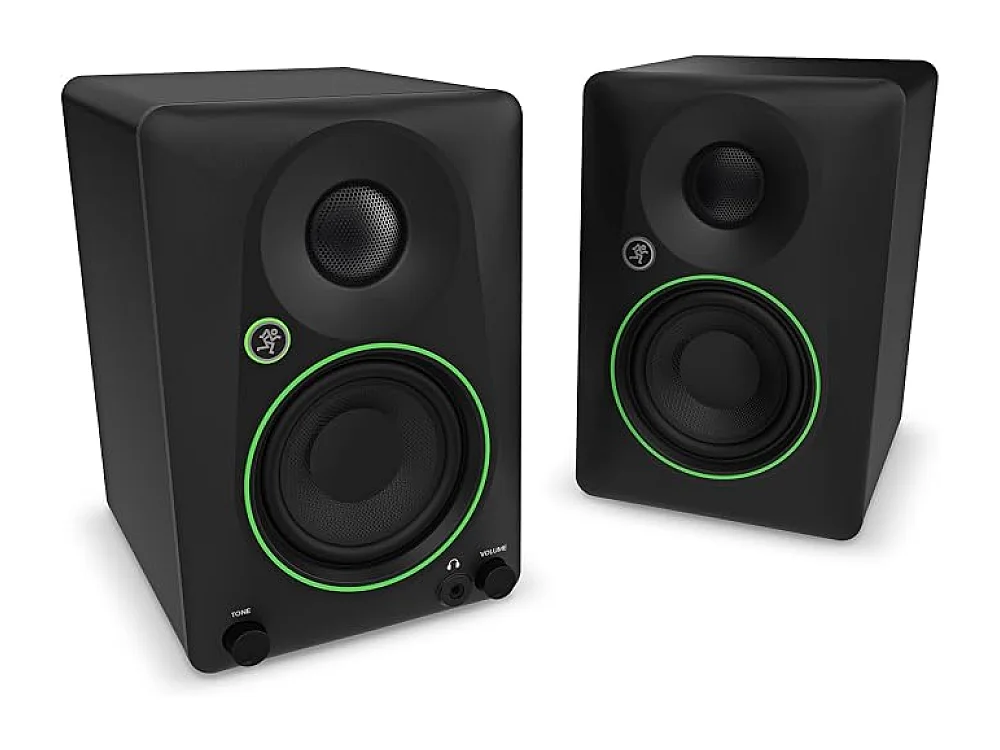
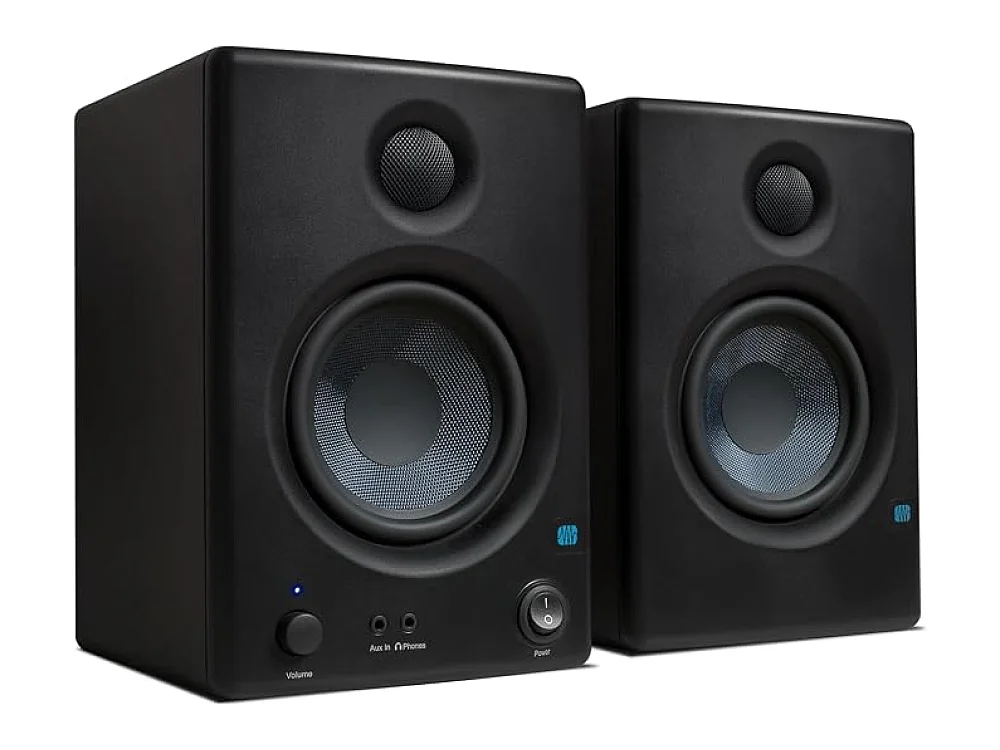
Mackie CR3.5BT + CR8SBT
This 2.1 system combines compact monitors with a dedicated subwoofer for balanced audio and solid low-end response. Bluetooth 5.0 connectivity keeps wireless audio reliable without sacrificing desk space.
Check price on Amazon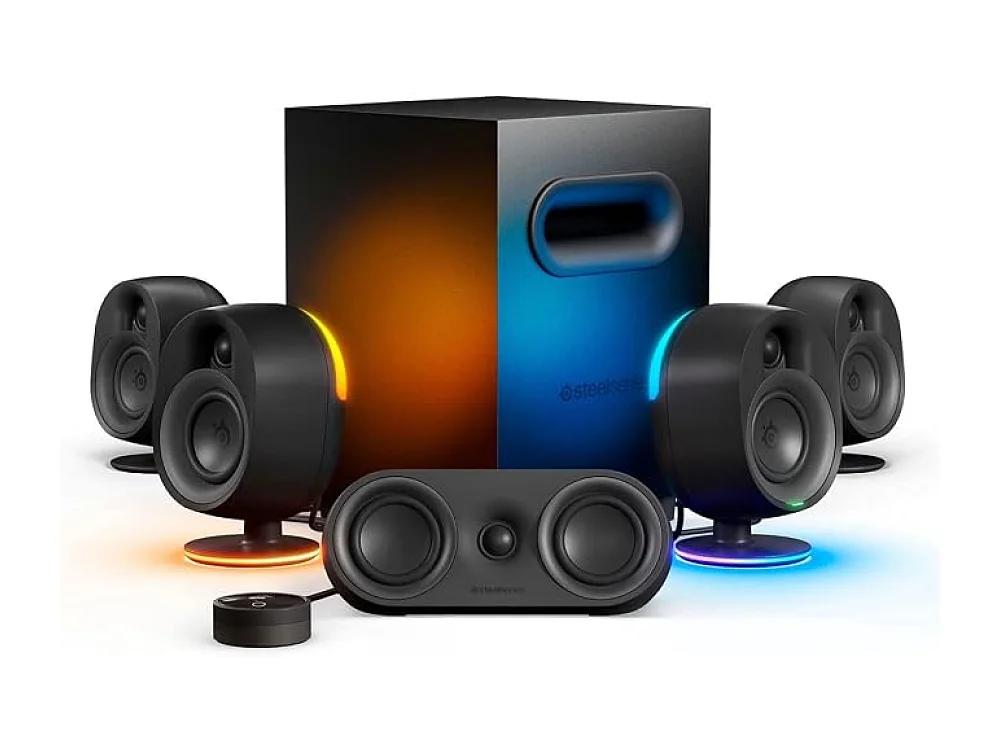
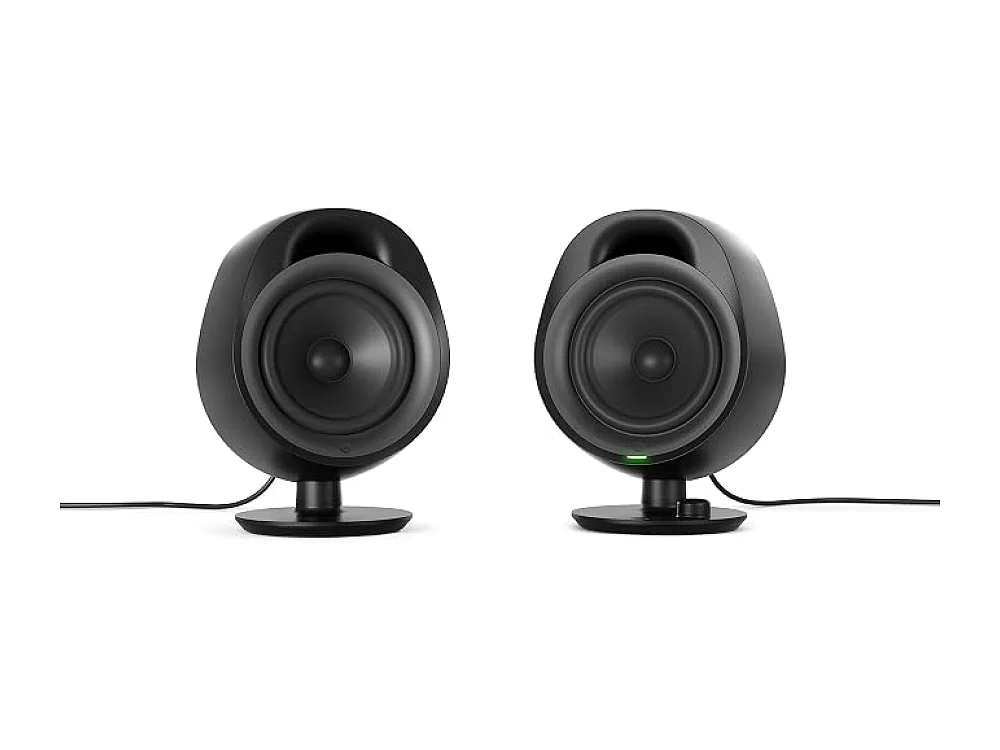
SteelSeries Arena 9
It delivers true 5.1 surround sound with wireless rear speakers, removing cable clutter while enhancing directional audio cues. The dedicated subwoofer ensures deep bass impact for a more immersive gaming experience.
Check price on Amazon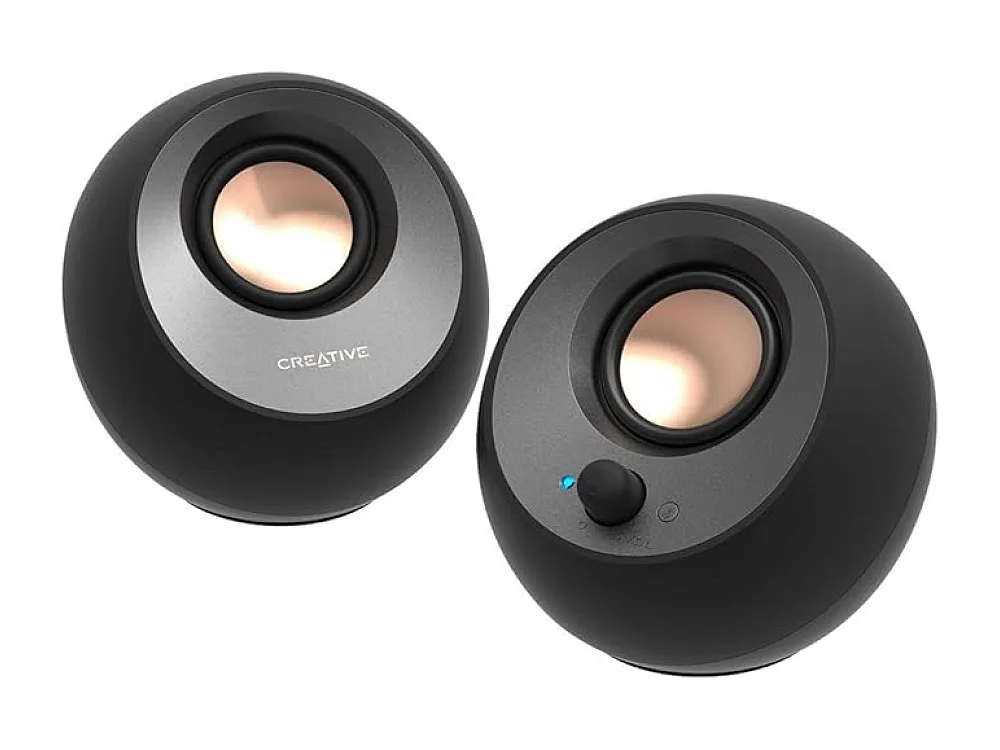
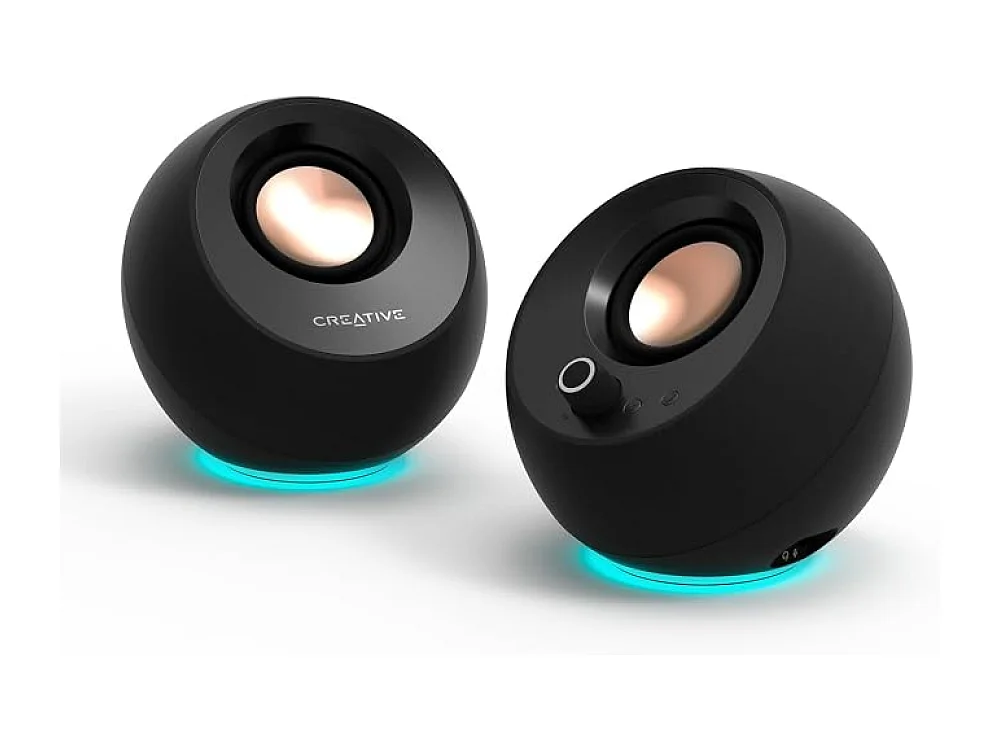
Creative Pebble V3
Powered directly via USB-C, it eliminates the need for a separate power adapter and fits tight desk spaces. Bluetooth 5.0 support adds wireless flexibility for devices that lack a 3.5 mm jack.
Check price on Amazon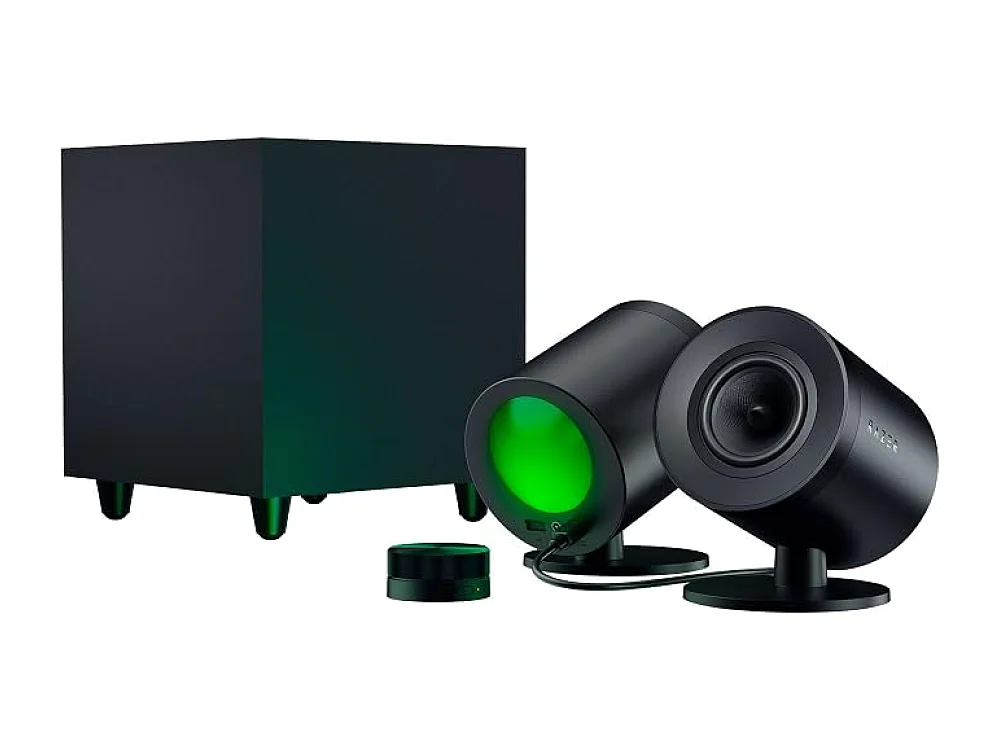
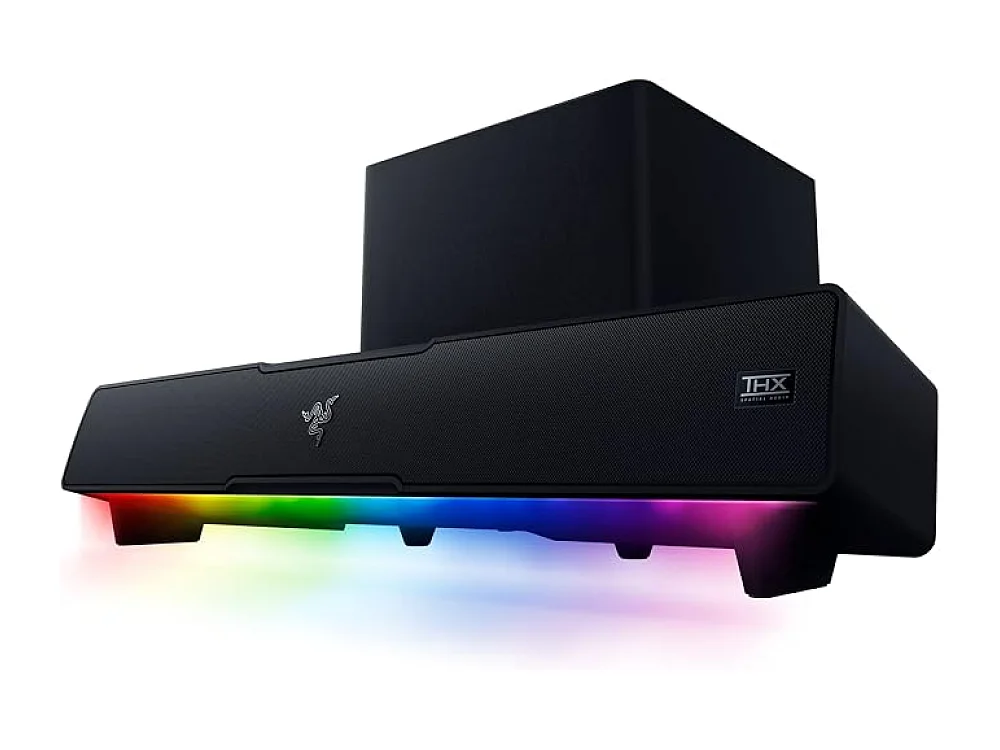
Razer Nommo V2 Pro
The wireless subwoofer design reduces desk clutter while THX Spatial Audio adds positional cues for competitive play. RGB lighting integrates with the Razer ecosystem for a cohesive visual setup.
Check price on Amazon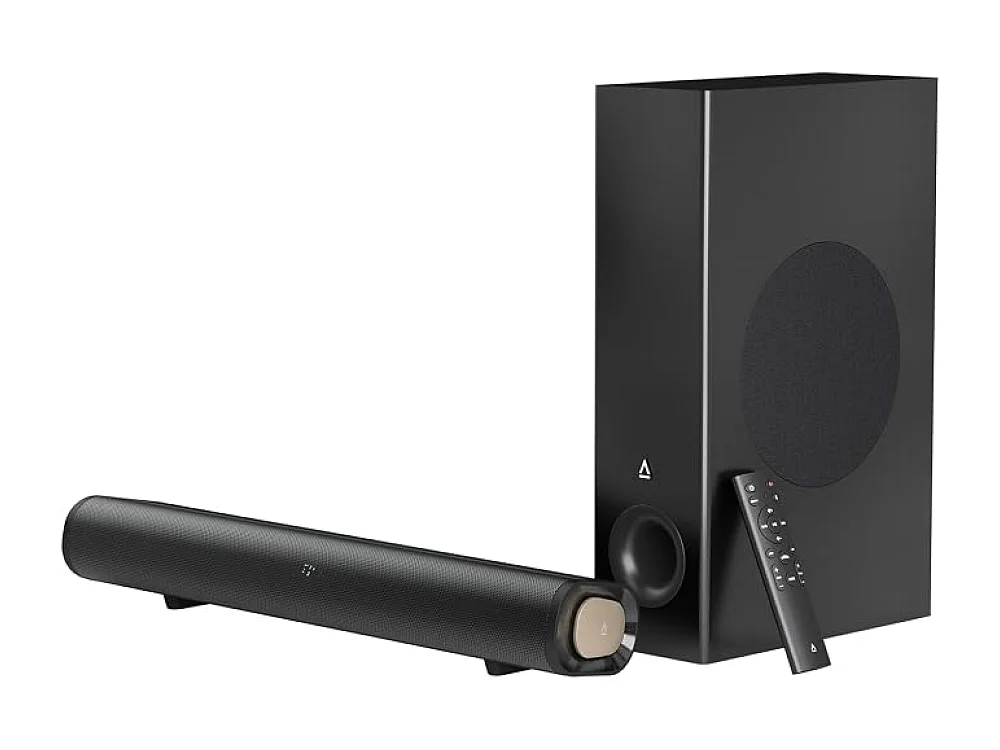
Creative Stage Pro
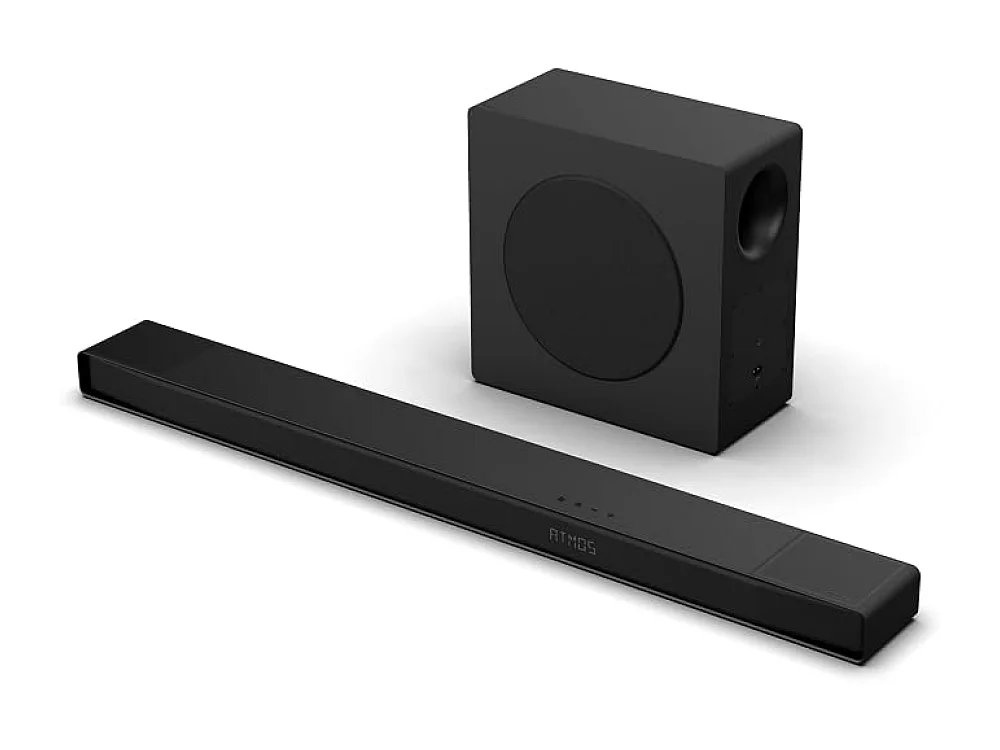
This soundbar includes an integrated subwoofer and supports multiple inputs like HDMI ARC and optical. Its compact design fits under most monitors while providing better bass than standard stereo speakers.
Check price on AmazonPicked from each product's own specs and listing; we do not show fixed prices because they change every day.
All Speakers & Soundbars
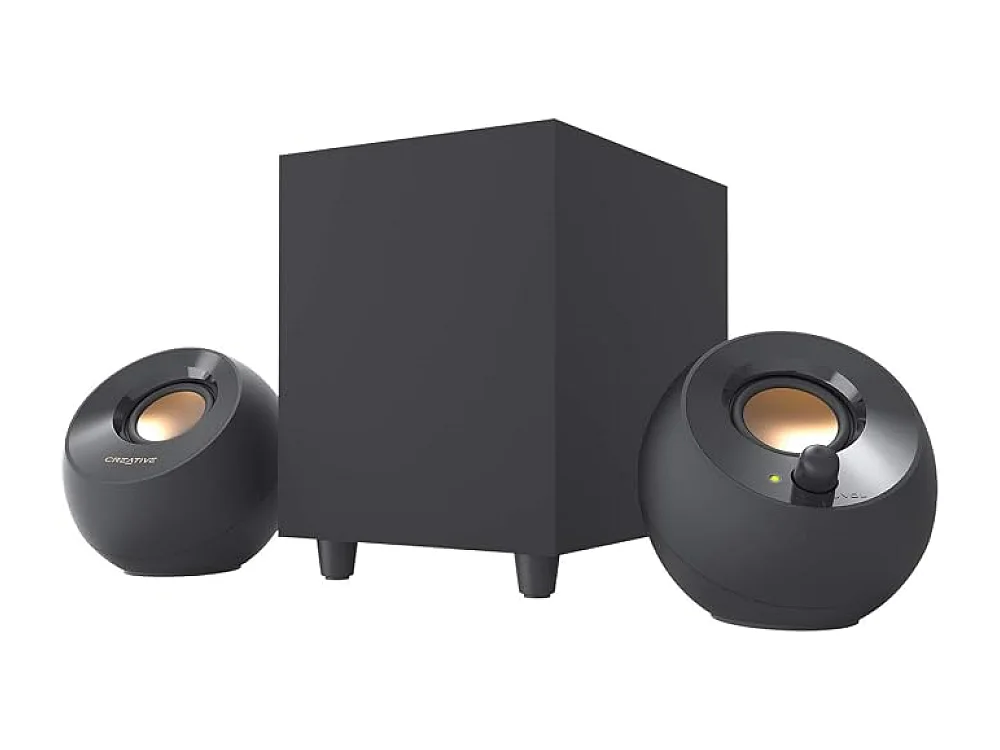
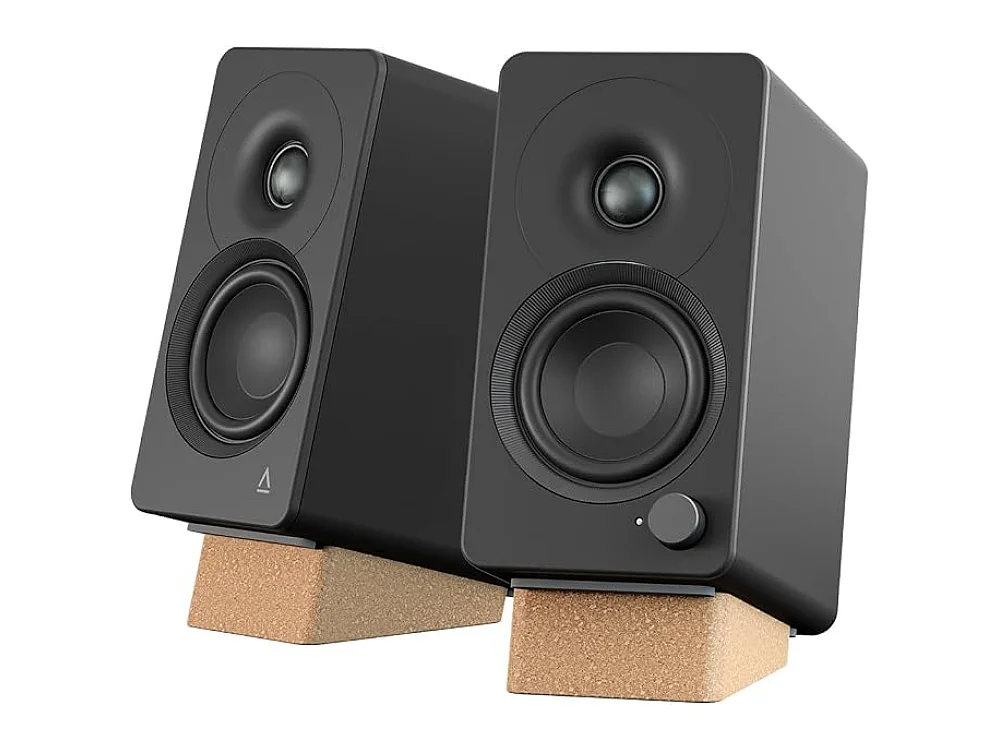
BEST OVERALL PC SPEAKERSMackieMackie CR3.5BT + CR8SBT
2.1 // 3.5-inch monitors + 8-inch subwoofer // Bluetooth 5.0
 BEST GAMING SOUNDBARCreative
Creative Stage Pro
Soundbar + subwoofer // HDMI ARC // optical // Bluetooth 5.3 // USB-C
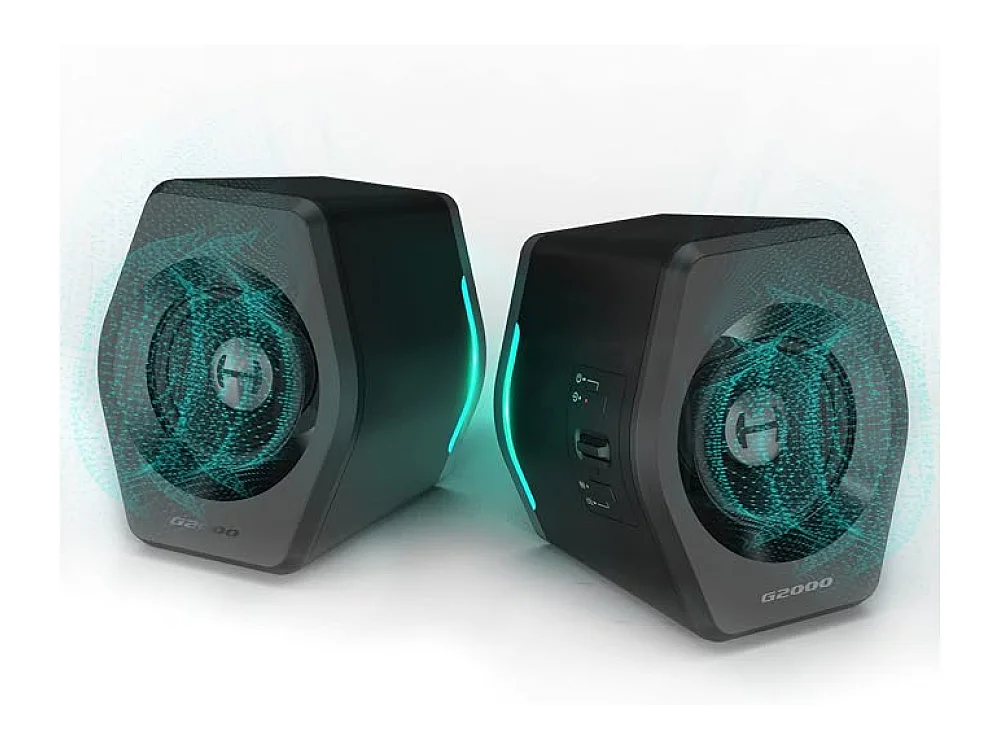
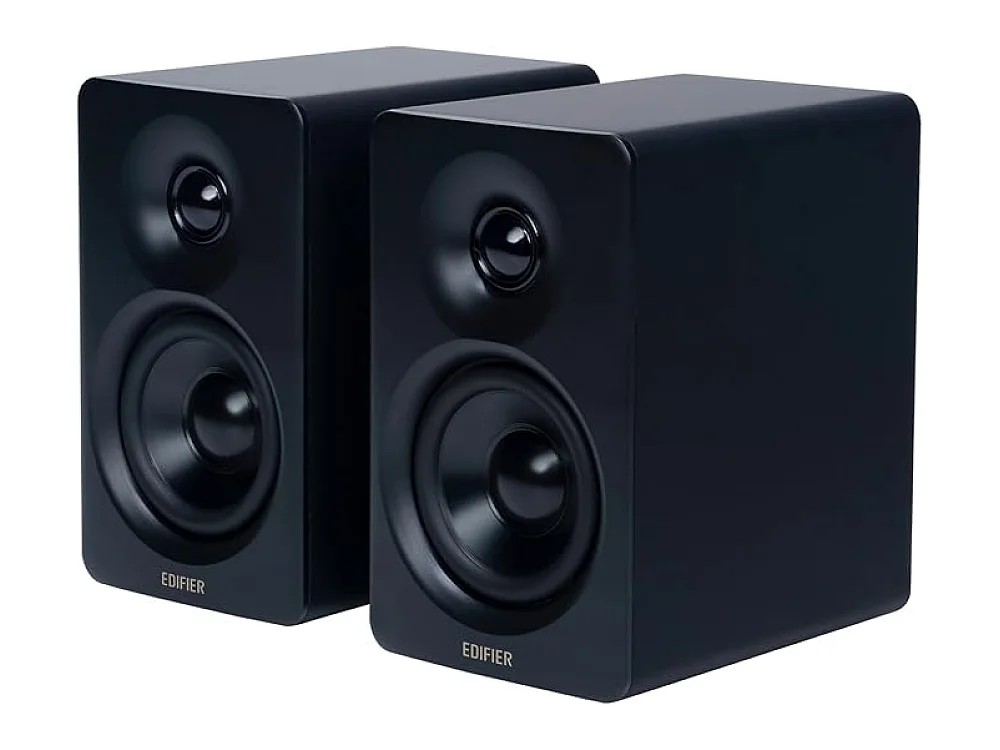
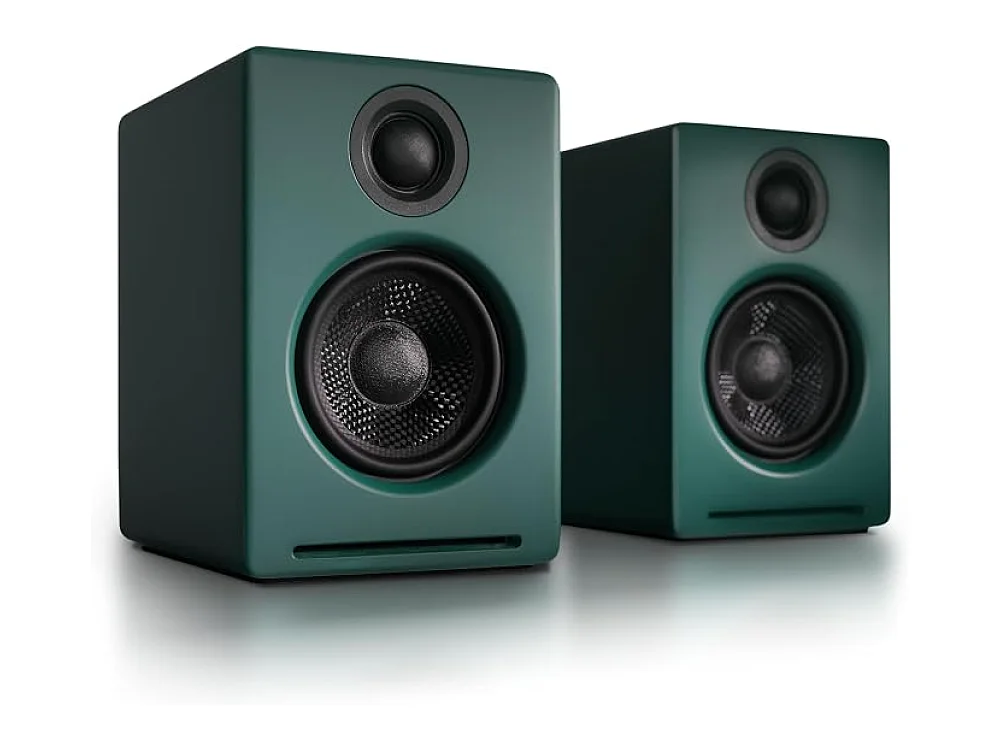
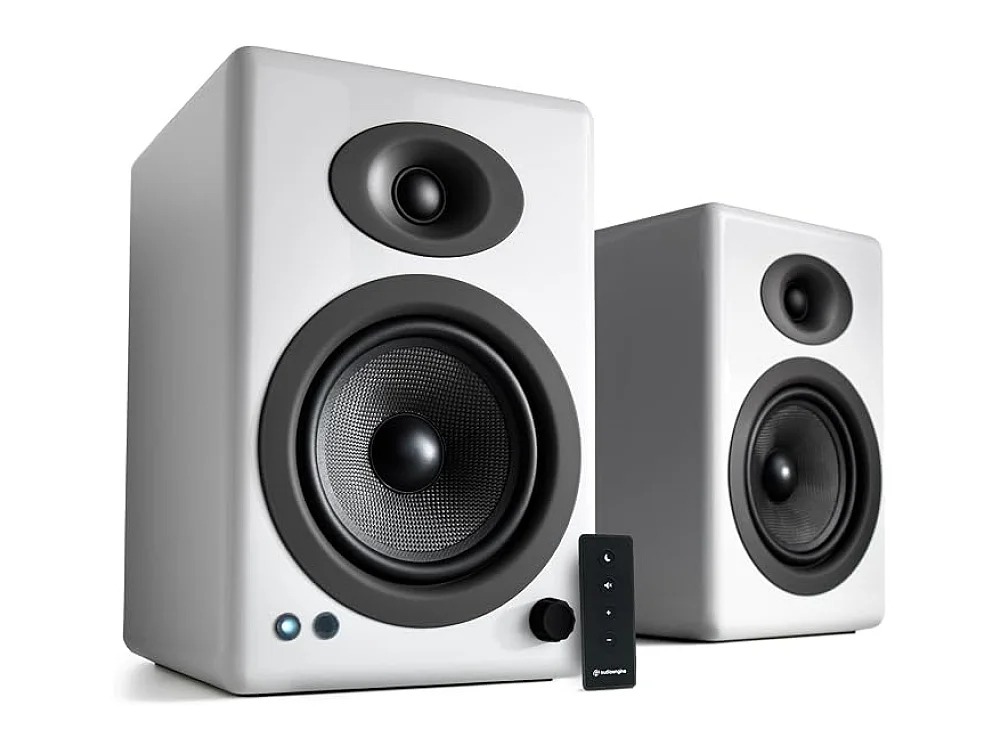
 BEST RGB SOUNDBARCreative
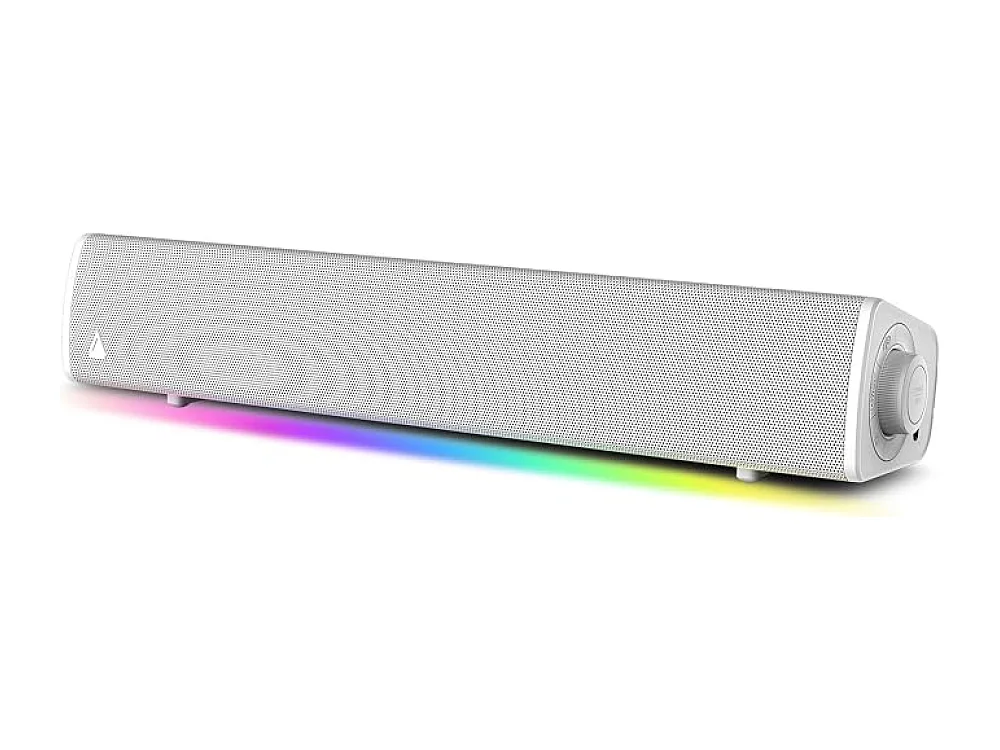
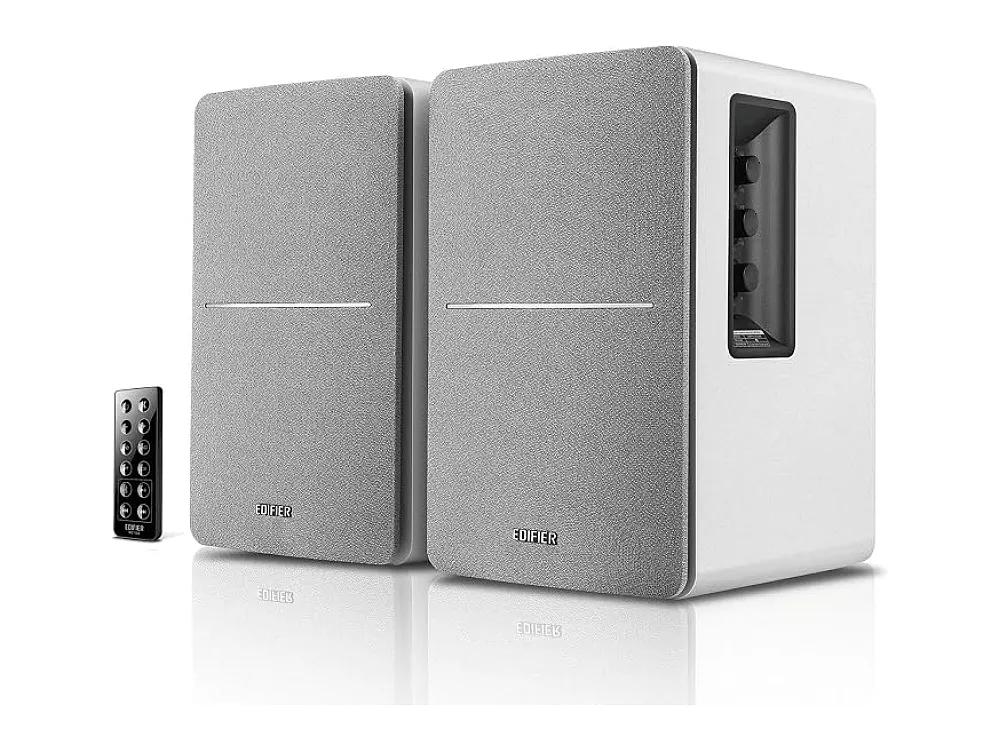
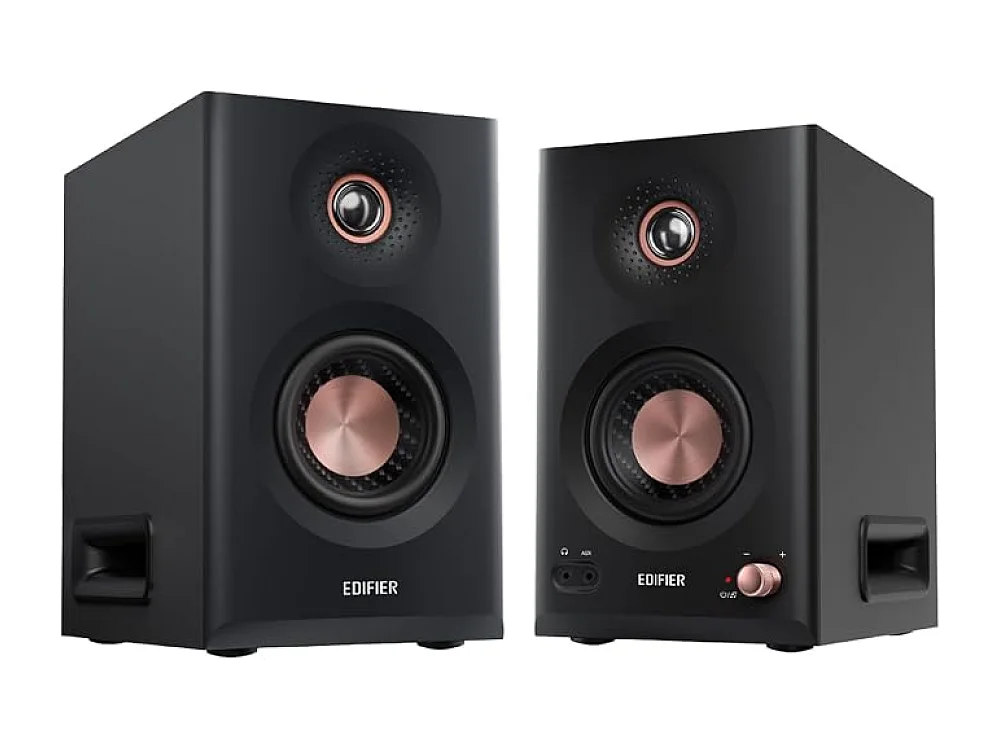
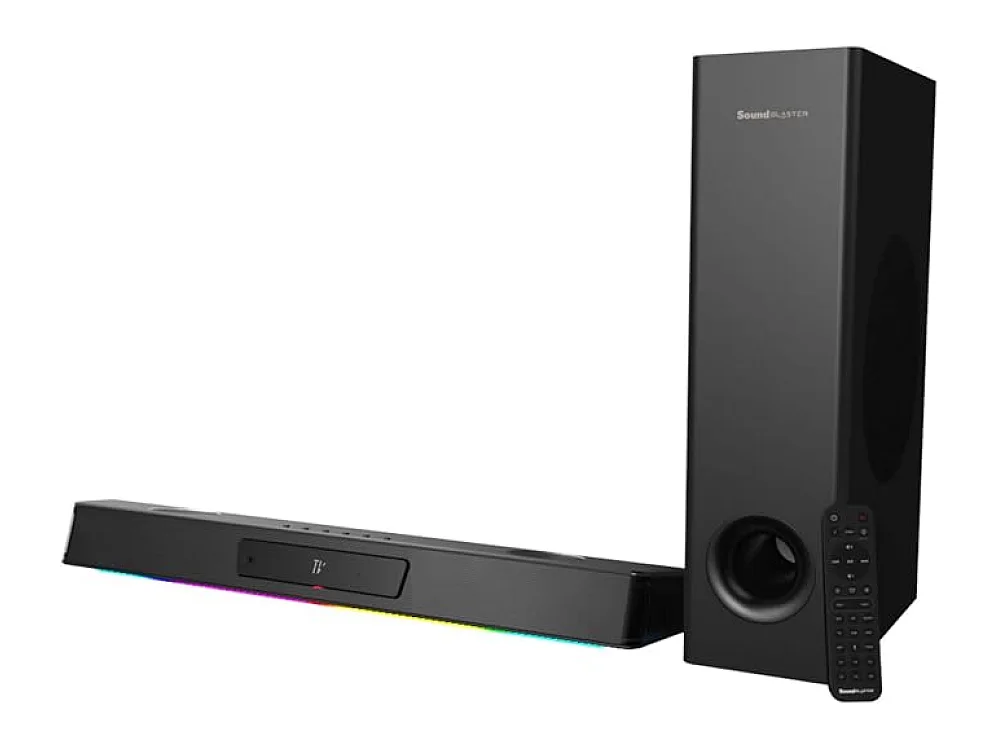
Creative Sound Blaster Katana V3
Gaming soundbar + subwoofer // 2.1 // USB/optical/Bluetooth
How to choose speakers & soundbars
- Decide between 2.0 stereo for clarity and 2.1 or 5.1 systems for bass and surround immersion.
- Check connectivity options to ensure the speakers match your PC or console ports, such as USB, 3.5 mm, or Bluetooth.
- Consider the physical footprint, especially if you have a small desk or limited space for a subwoofer.
- Look for wireless subwoofers if you want to reduce cable clutter, though wired connections often offer lower latency.
- Verify if the speakers require a separate power adapter or can be powered via USB for simpler setup.
Speakers & Soundbars: questions buyers ask
Do I need a subwoofer for gaming?
A subwoofer adds depth to explosions and low-frequency effects, but it is not strictly necessary. If you play fast-paced shooters where footstep clarity is more important than bass, a high-quality 2.0 system might be sufficient.
Is Bluetooth good for gaming audio?
Bluetooth is convenient for music and casual gaming, but it can introduce latency. For competitive play, wired connections like USB or 3.5 mm are generally preferred to ensure audio and video stay in sync.
What is the difference between a soundbar and bookshelf speakers?
Soundbars are compact and easy to set up, often including a subwoofer for bass. Bookshelf speakers offer more flexible placement and can provide better stereo separation, but they usually require more desk space and setup effort.